Topic: Power BI
-
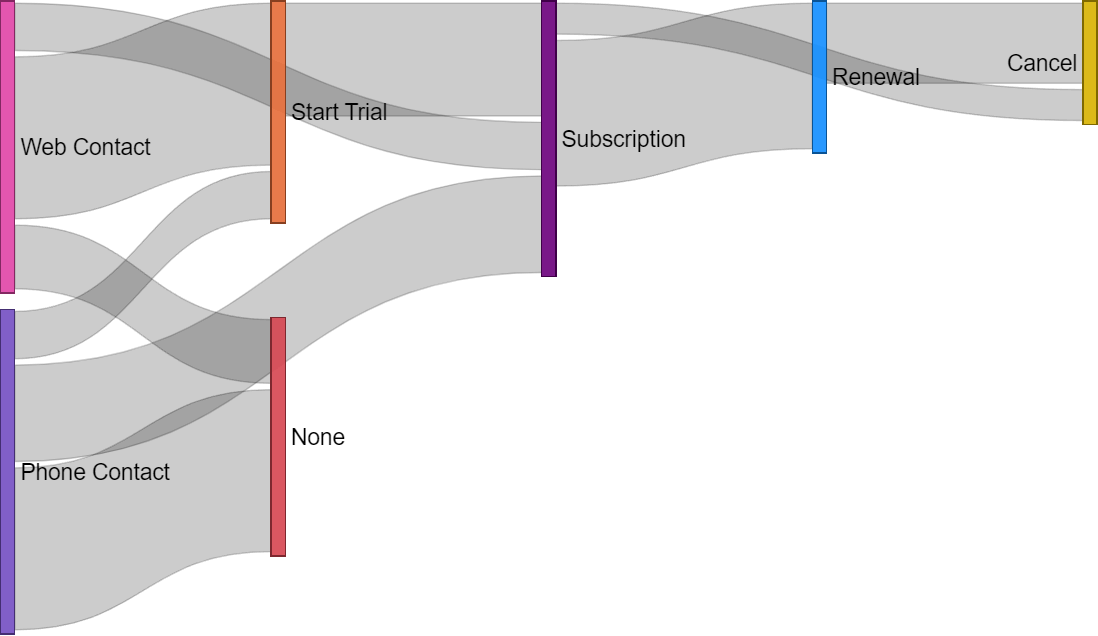
This article describes how to correctly shape a data model and prepare data to use a Sankey Chart as a funnel, considering events related to a customer (contact, trial, subscription, renewal, and others). Read more
-
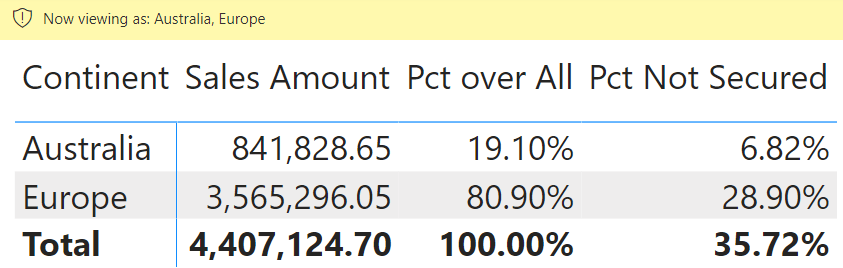
This article shows how to compute ratios when row-level security hides some of the data. If the percentage also includes the hidden rows in the comparison, you should customize the data model and the measures involved to get the right… Read more
-
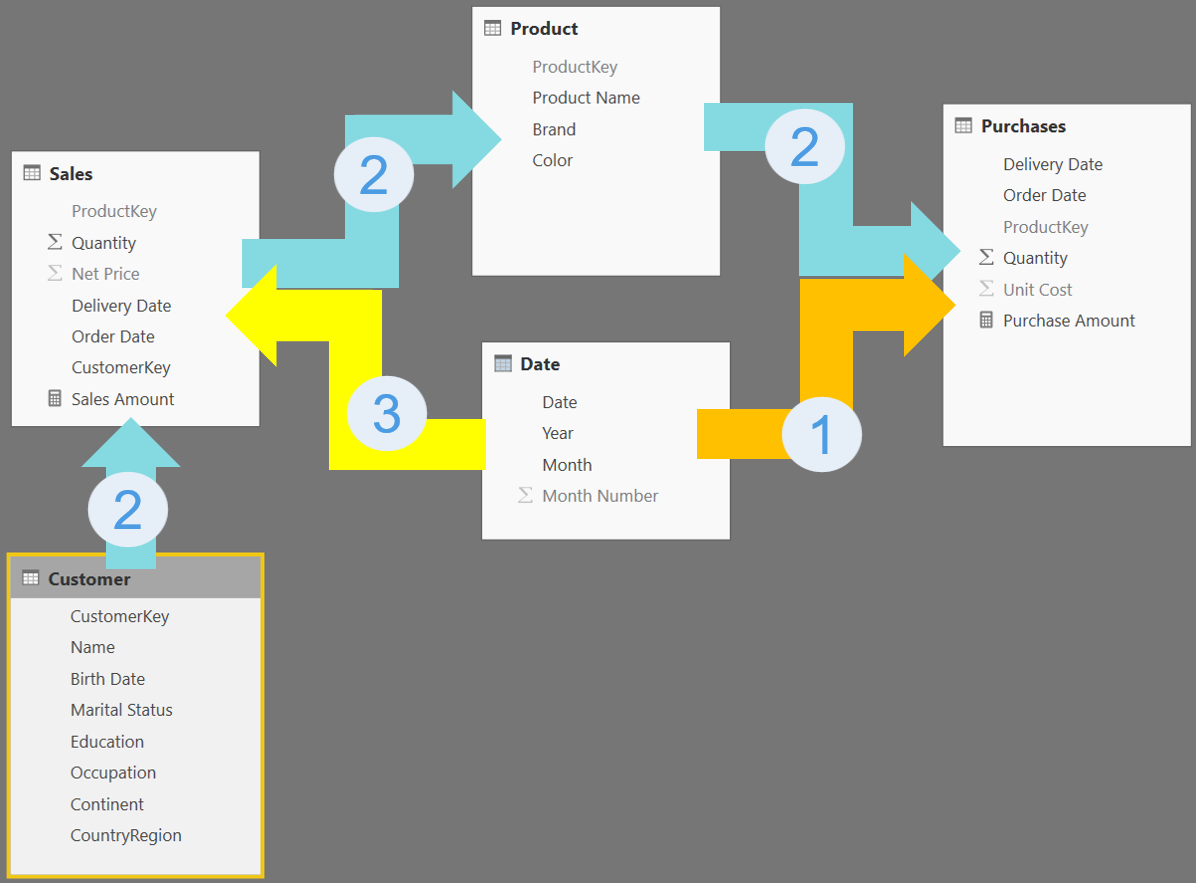
Activating bidirectional cross-filter in a Tabular data model might create ambiguous paths in the chain of relationships, resulting in very dangerous models as numbers become unpredictable. This article provides a deep explanation of the kind of ambiguity that might appear… Read more
-
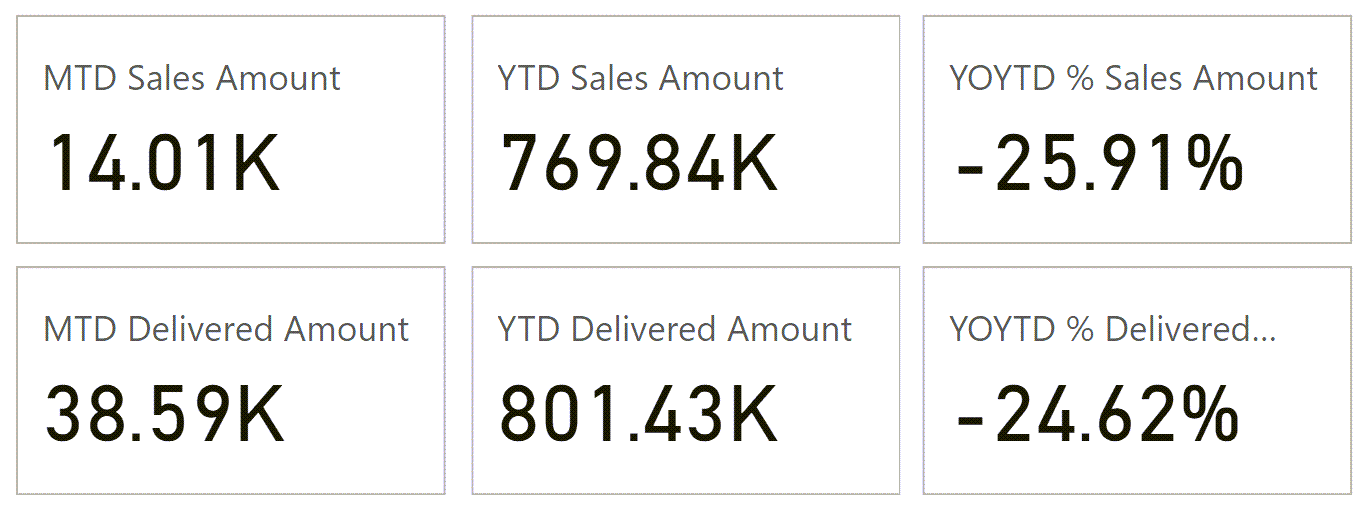
This article describes how to use the DAX time intelligence calculations applied to the latest period available in the data, also known as the “current” period. Read more
-
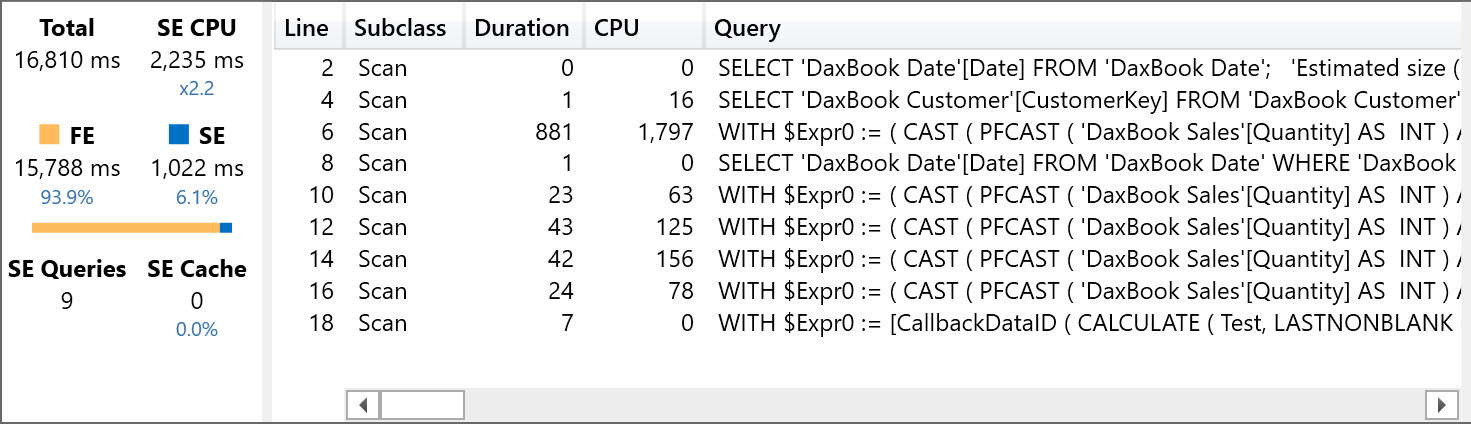
Writing measures referencing other measures is in general a good idea that simplifies the DAX code, but you might face specific bottlenecks. This article describes which performance issues might arise when different measures aggregate the same column using different filter… Read more
-
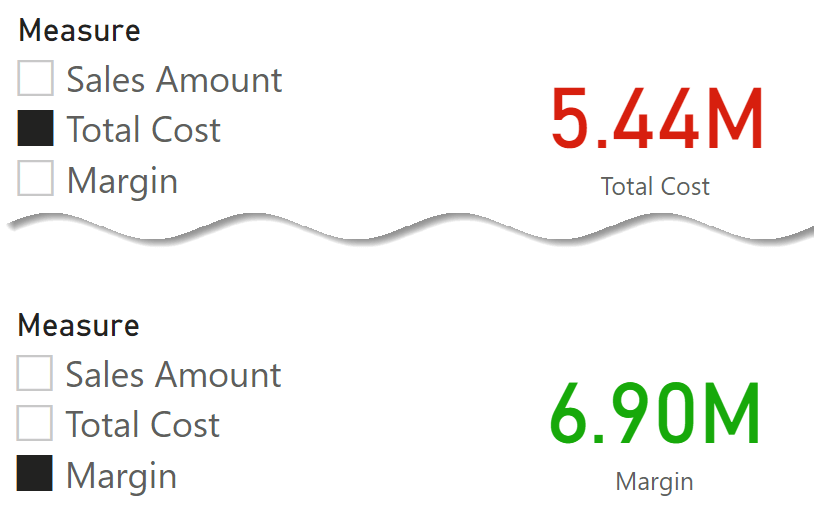
This article describes how to apply conditional formatting on measures picked from a slicer and implemented using two techniques: field parameters and calculation groups. Read more
-
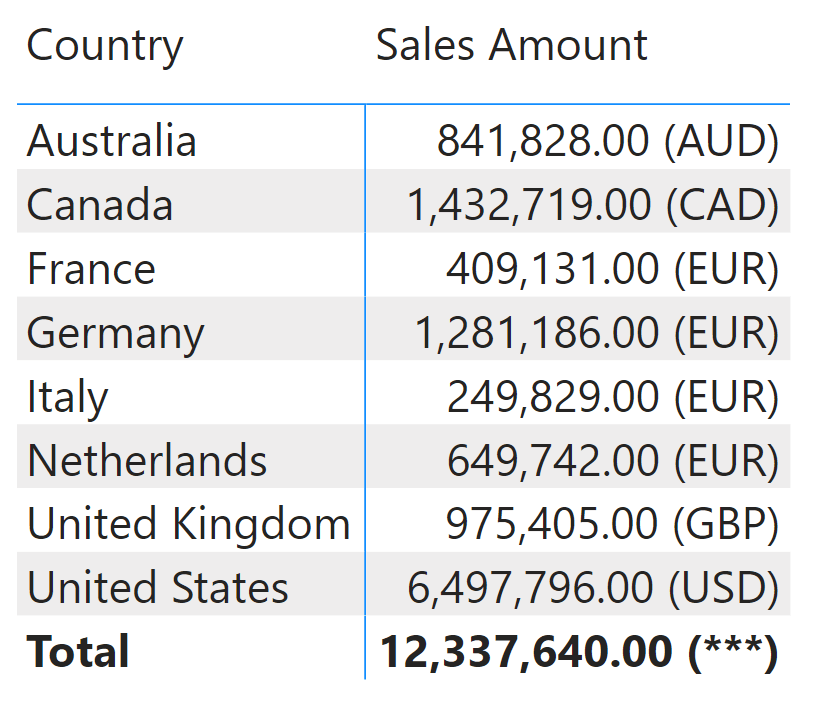
Power BI introduced dynamic format strings in May 2023. In this article, we briefly introduce this functionality and then dive into a few technical details of its implementation. Read more
-
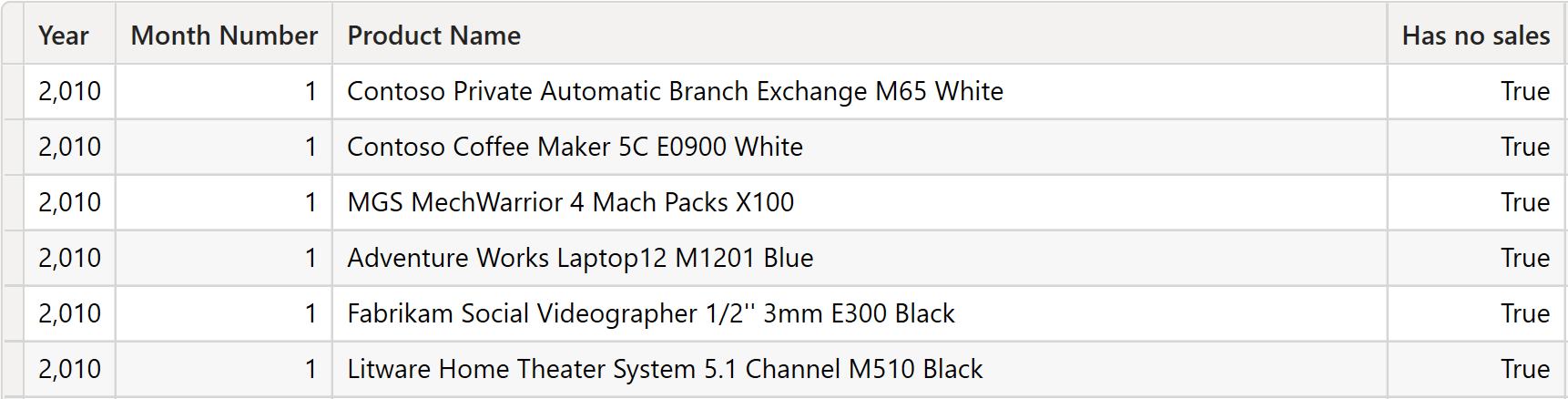
This article analyzes the performance of different DAX techniques to identify any products without sales in an area or a time period. Read more
-
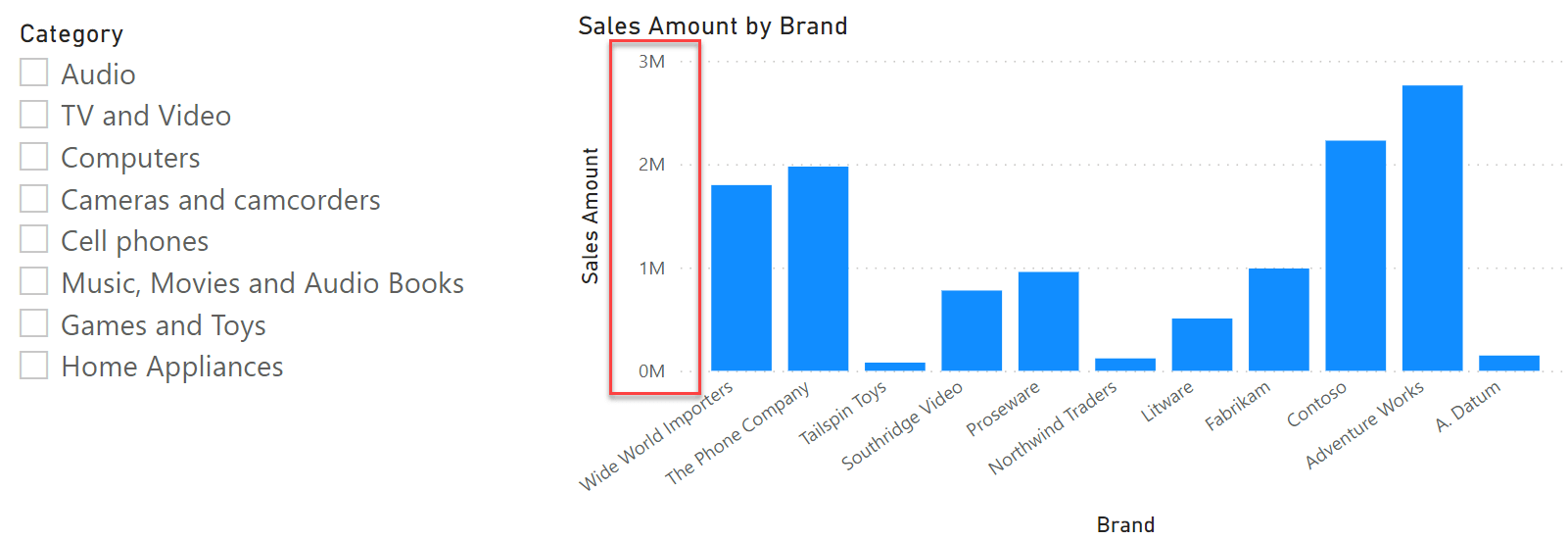
You can rely on DAX expressions to control the behavior of some aspects of Power BI visuals. This article shows a few examples of managing the range of charts. Read more
-
This article is the state-of-the-art guide of the development tools for Power BI and Analysis Services models, providing guidance to improve productivity and access to new features. Read more