-
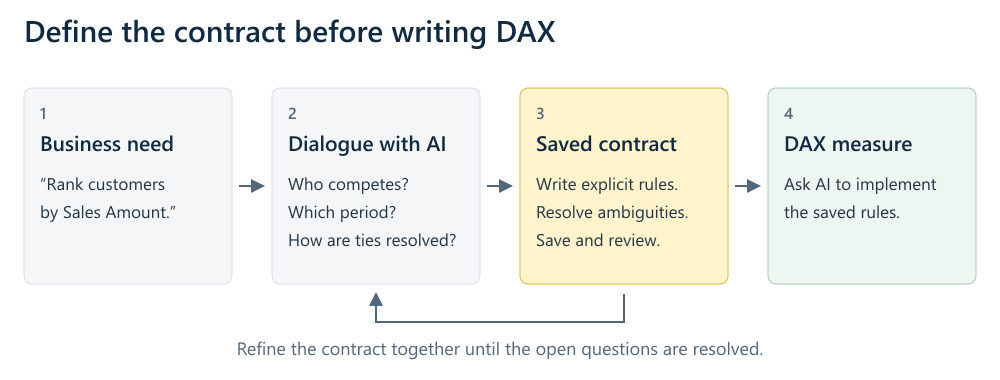
Defining the right contract is a key activity for a DAX developer using AI. In this article, we introduce the concept of a contract through simple examples. Read more
-
This page contains descriptions and links to necessary tools and resources for DAX and Tabular developers. Read more
-
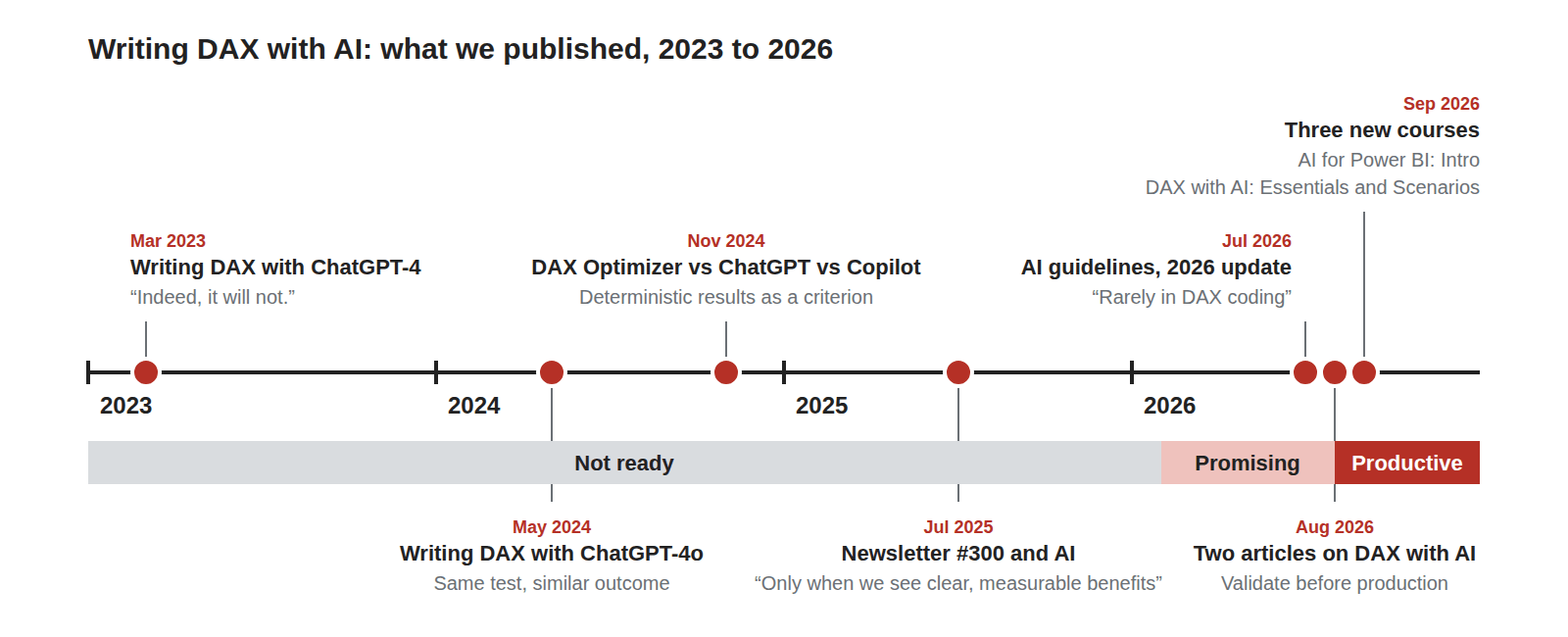
The time has come: in 2026, using AI to write DAX has started to be effective. Let me recap what has changed between 2023 and 2026, and what we are doing with our three new courses to best assist you… Read more
-
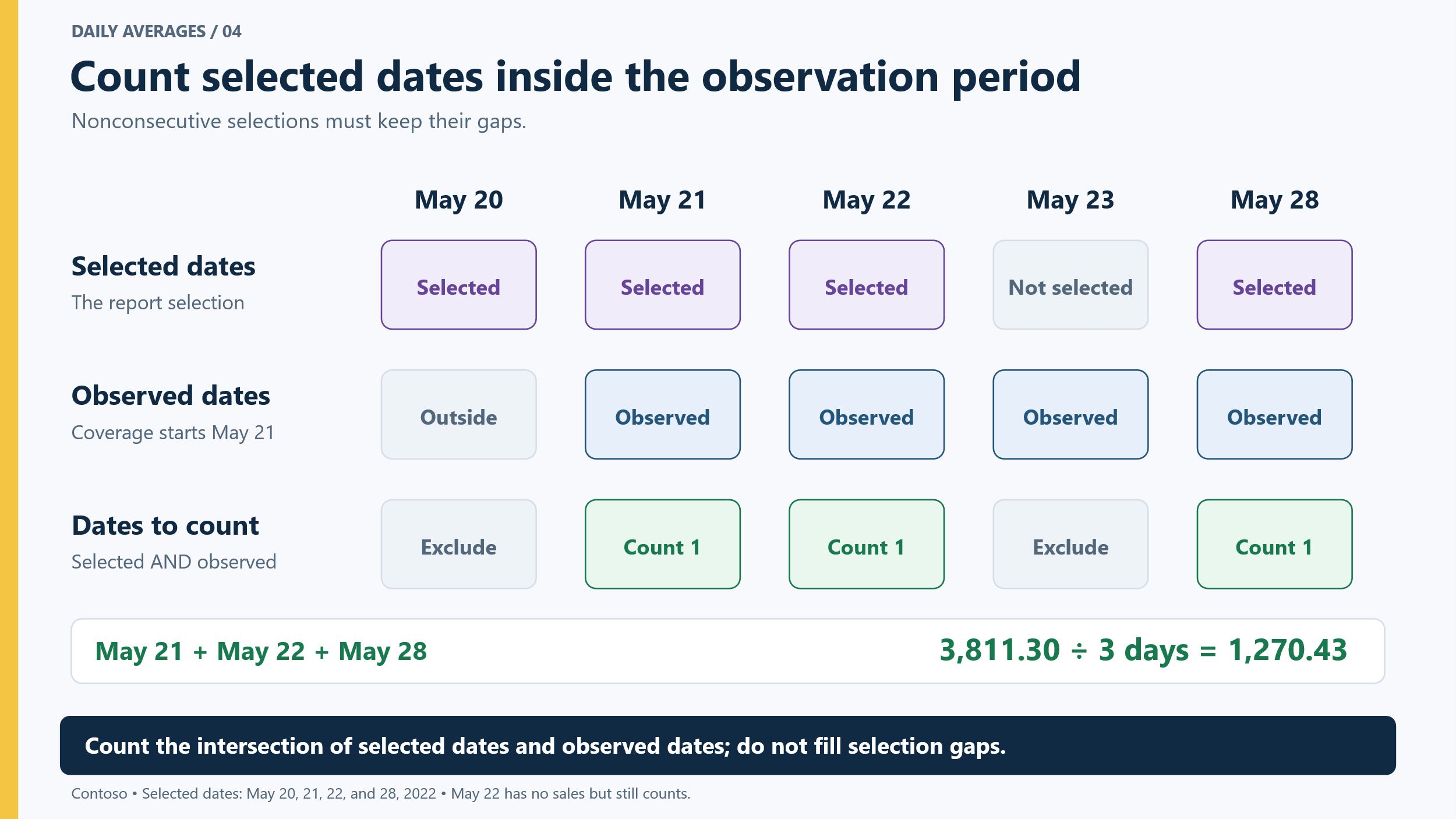
A simple daily average masks a level of complexity that may not be immediately apparent. In this article, we use AI to create a daily average, and then to analyze several edge-case scenarios to build a sound calculation. Read more
-
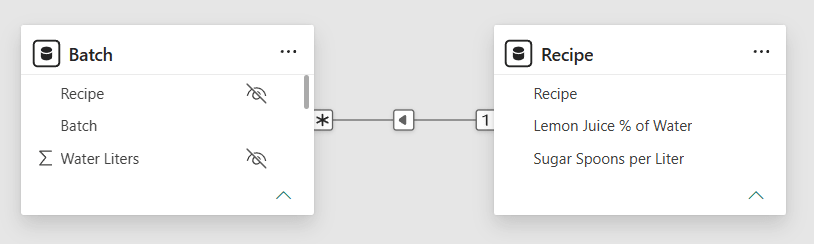
A DAX calculation can produce convincing values at the detail level and still fail at the total. The problem is often not the total itself: the business rule was evaluated at the wrong granularity. This article introduces four grains, or… Read more
-
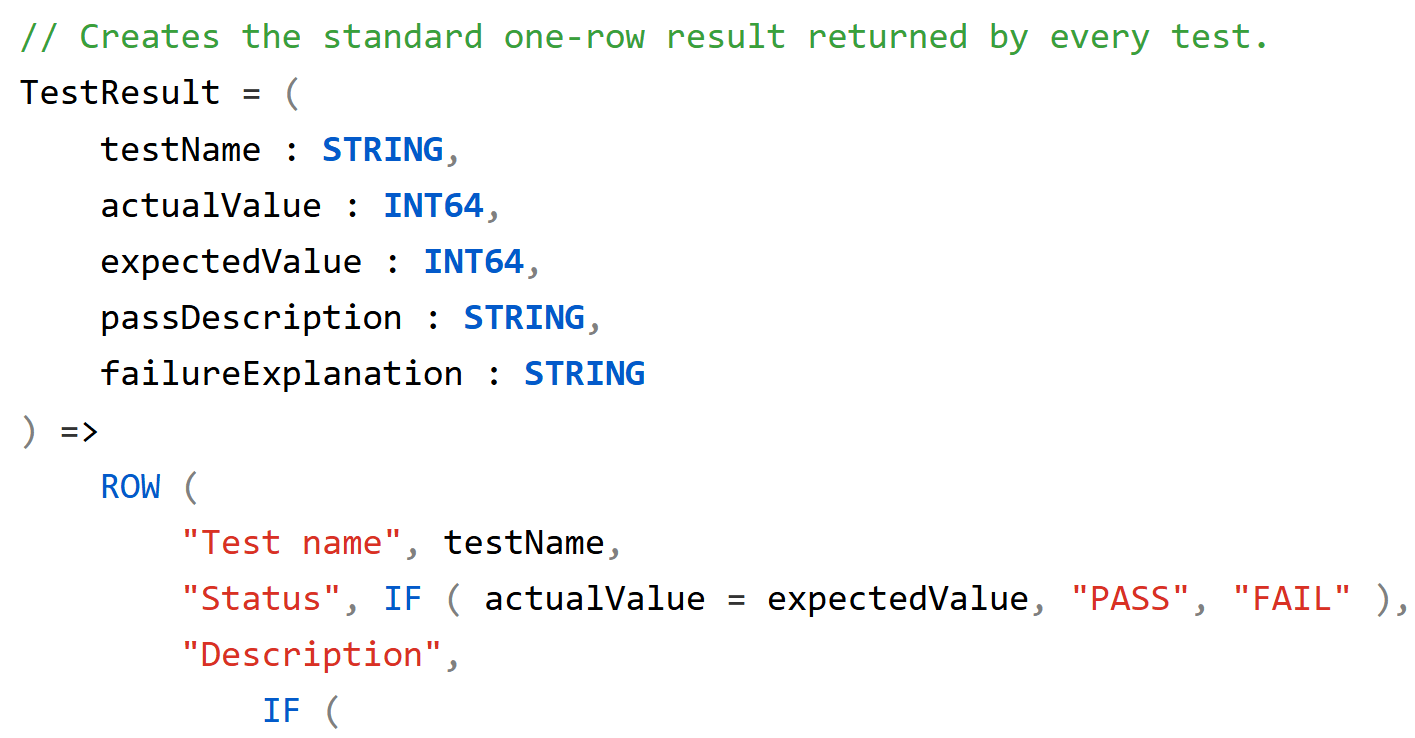
This article describes how to use AI to identify relevant test cases in a semantic model and create repeatable DAX tests for a measure. Read more
-
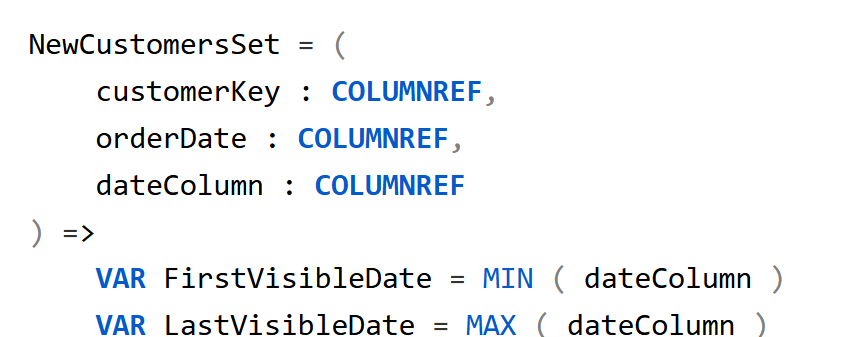
Code written by AI can contain many duplicate parts. User-defined functions are a great tool to simplify complex measures; this article shows how to leverage AI to build better DAX code. Read more
-
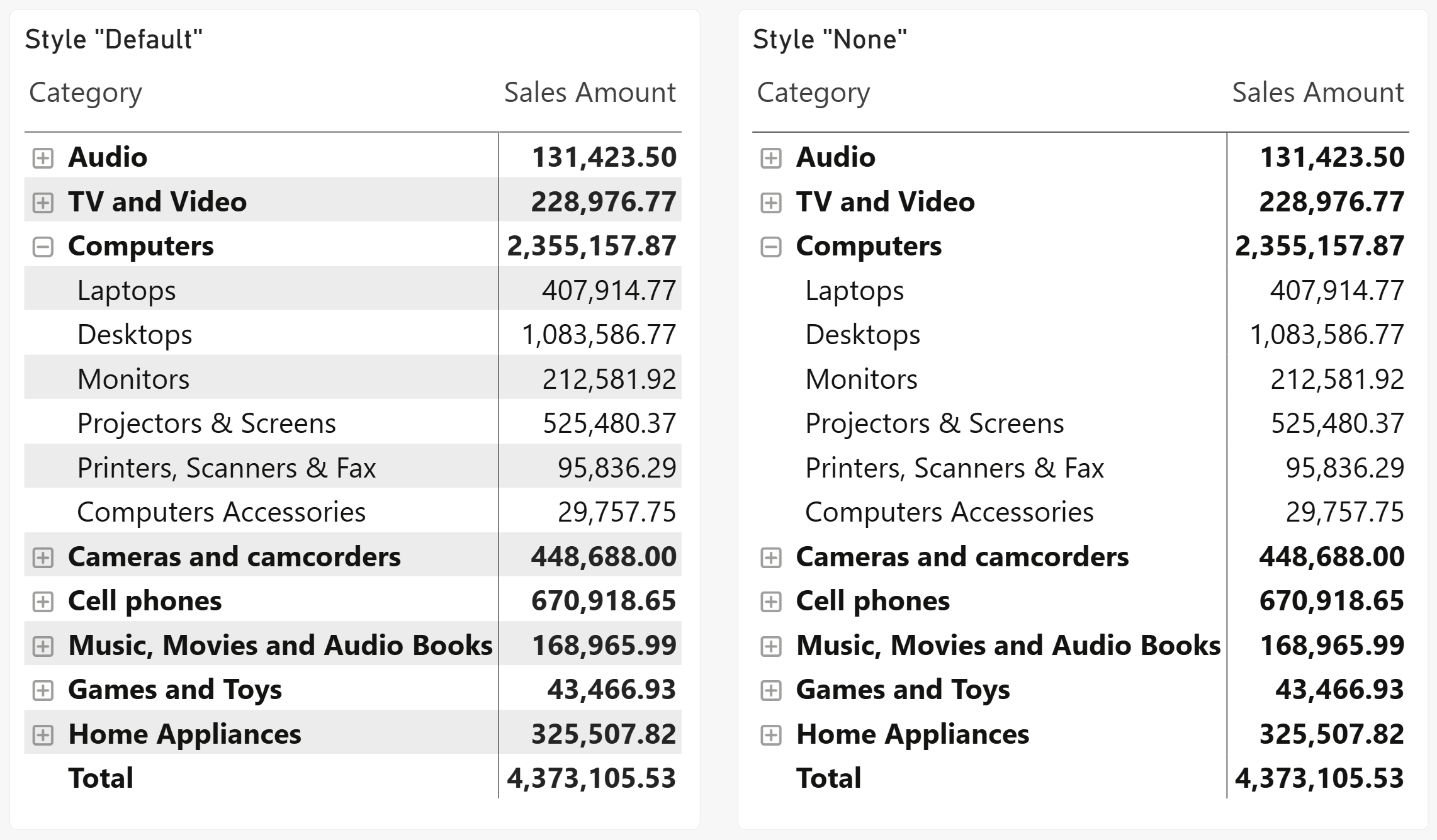
Microsoft recently introduced a new default visual design style for Power BI named Fluent 2. I personally disagree with a few choices in the new defaults, including the removal of alternating row colors from Table and Matrix visuals. However, the… Read more
-
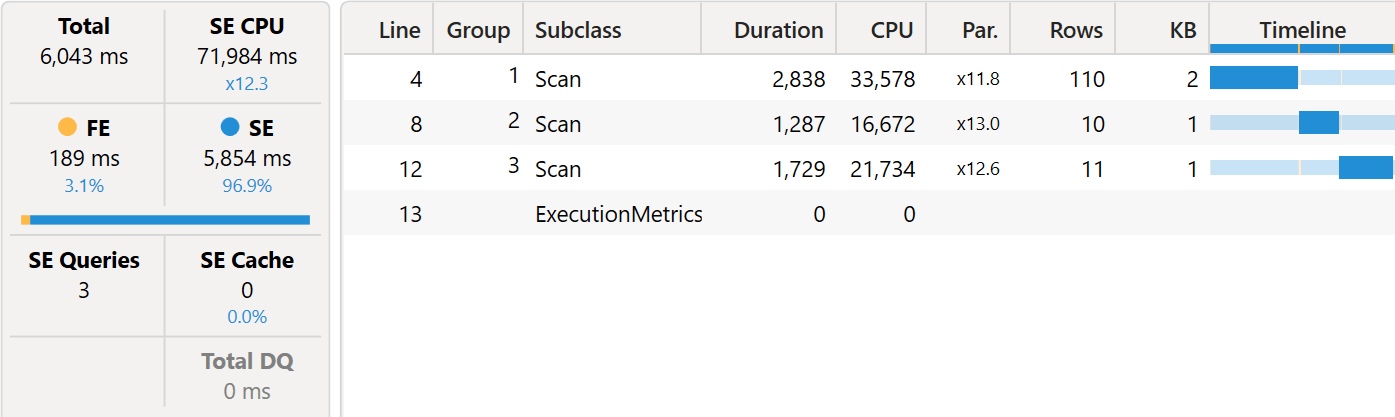
Visual calculations can either improve or degrade the performance of a report. In this article, we outline how we ensure visual calculations have a positive impact on performance. Read more
-
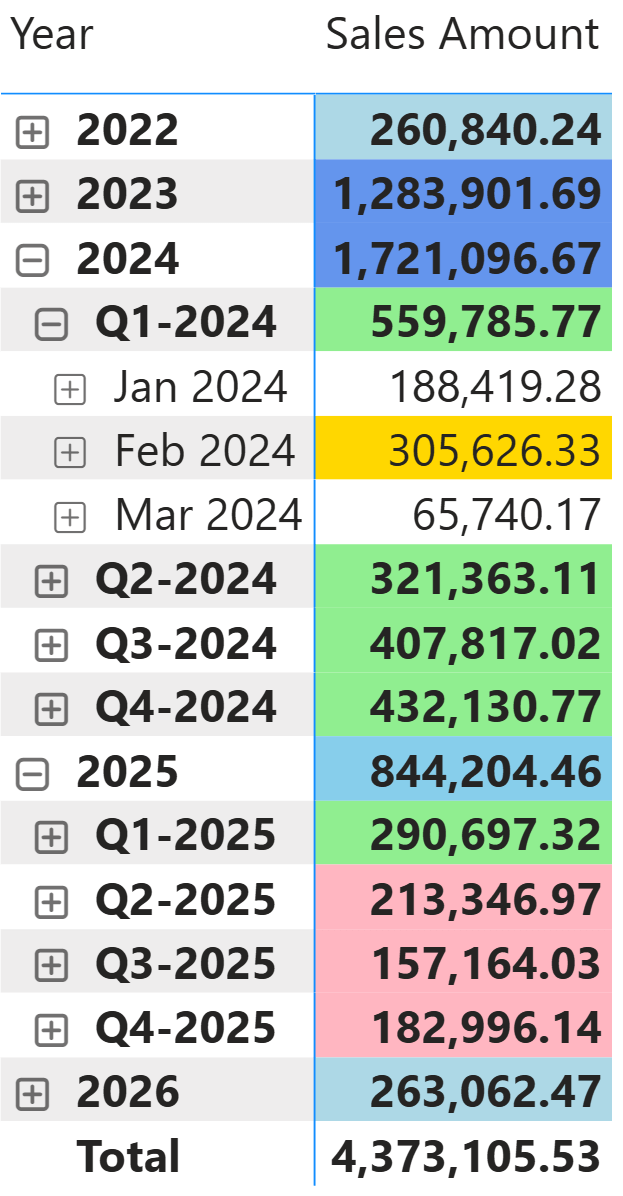
This article describes how to apply different formatting rules at each level of a hierarchy (one rule at the year level, another at the quarter level, another at the month level) using ISINSCOPE in a measure or ISATLEVEL in a… Read more