Topic: DAX
-

After the SQLBI+ launch in November 2022, we released the first update with additional content: two sessions about Time Intelligence and one whitepaper about the new DAX window functions. This is much more than the single Time Intelligence session we… Read more
-

Here we are, at the end of another year, to see what happened in the DAX world. Read more
-
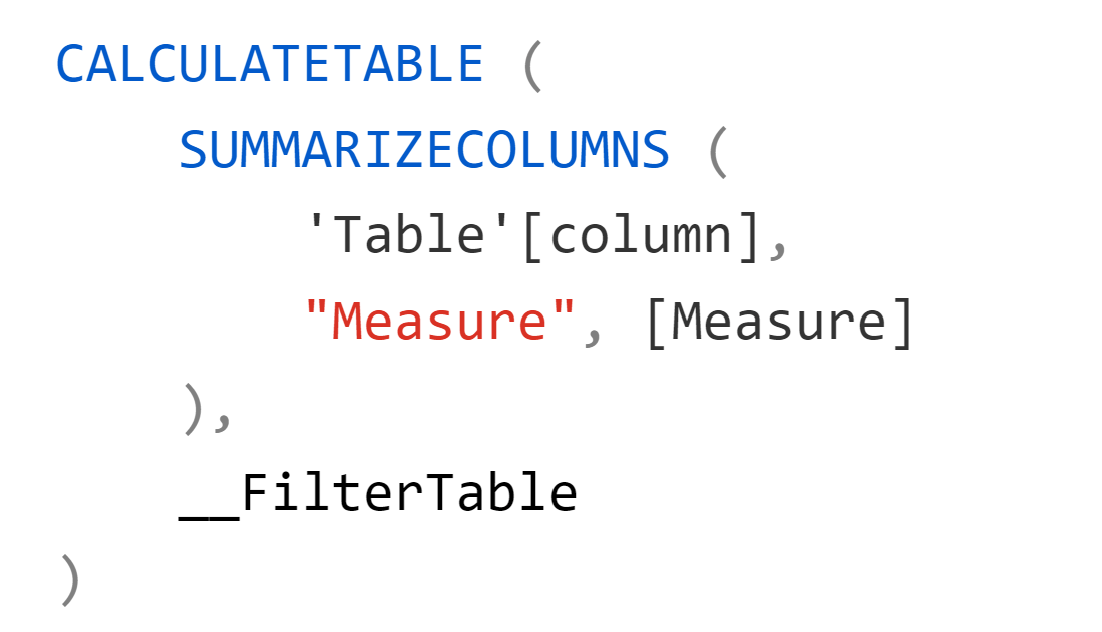
We recently updated SUMMARIZECOLUMNS on DAX Guide by adding an example that clarifies the difference between a filter applied to SUMMARIZECOLUMNS and a filter applied to CALCULATETABLE. Most of the times, you can move a filter from a SUMMARIZECOLUMNS argument… Read more
-

The Whiteboard is a new series on the SQLBI YouTube channel where I use a whiteboard to describe abstract DAX and Tabular concepts in a more interactive way. I usually represent these concepts by drawing on a whiteboard in our… Read more
-
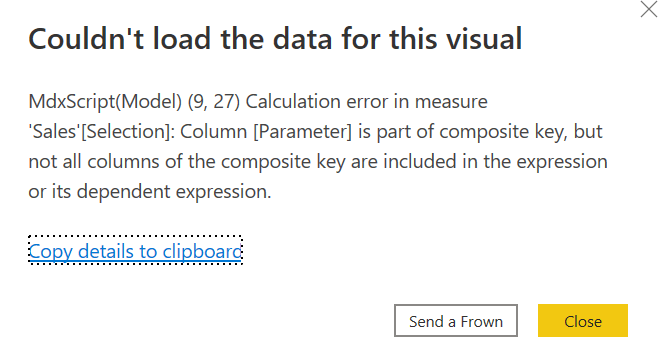
If you try to use SELECTEDVALUE on the visible column of the table generated by the Fields Parameters feature in Power BI, you get the following error: Calculation error in measure ‘Sales'[Selection]: Column [Parameter] is part of composite key, but… Read more
-
Did you ever experience a long waiting time while opening a Power BI Desktop file? There could be many reasons for that, but if you have calculated columns and/or calculated tables in your model, you should be aware that they… Read more
-
Something really big is happening! The July 2020 version of Power BI Desktop allows you to create calculation groups in Power BI Desktop, thanks to the new “external tools” feature that enables the integration with Tabular Editor. We had been… Read more
-
I recently wrote an article that describes how to calculate a measure (such a sales, but it could be anything else) considering for each customer its first 12 months, then months 13-24 and so on. In practice, for every customer you have a different range Read more
-
The second year of the pandemic is coming to a close and despite the many uncertainties, we are all striving to push forward and look ahead. For sure, it is a good moment to see what happened in the DAX… Read more
-
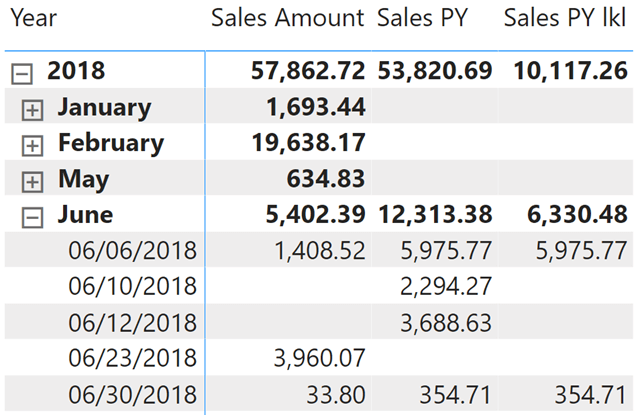
In DAX, optimizations and data types do not always play nice and can leave you dealing with surprises. In this short article, we see an example of how mixing blanks, Boolean logic, and comparison with TRUE might lead to unexpected… Read more