Topic: DAX
-
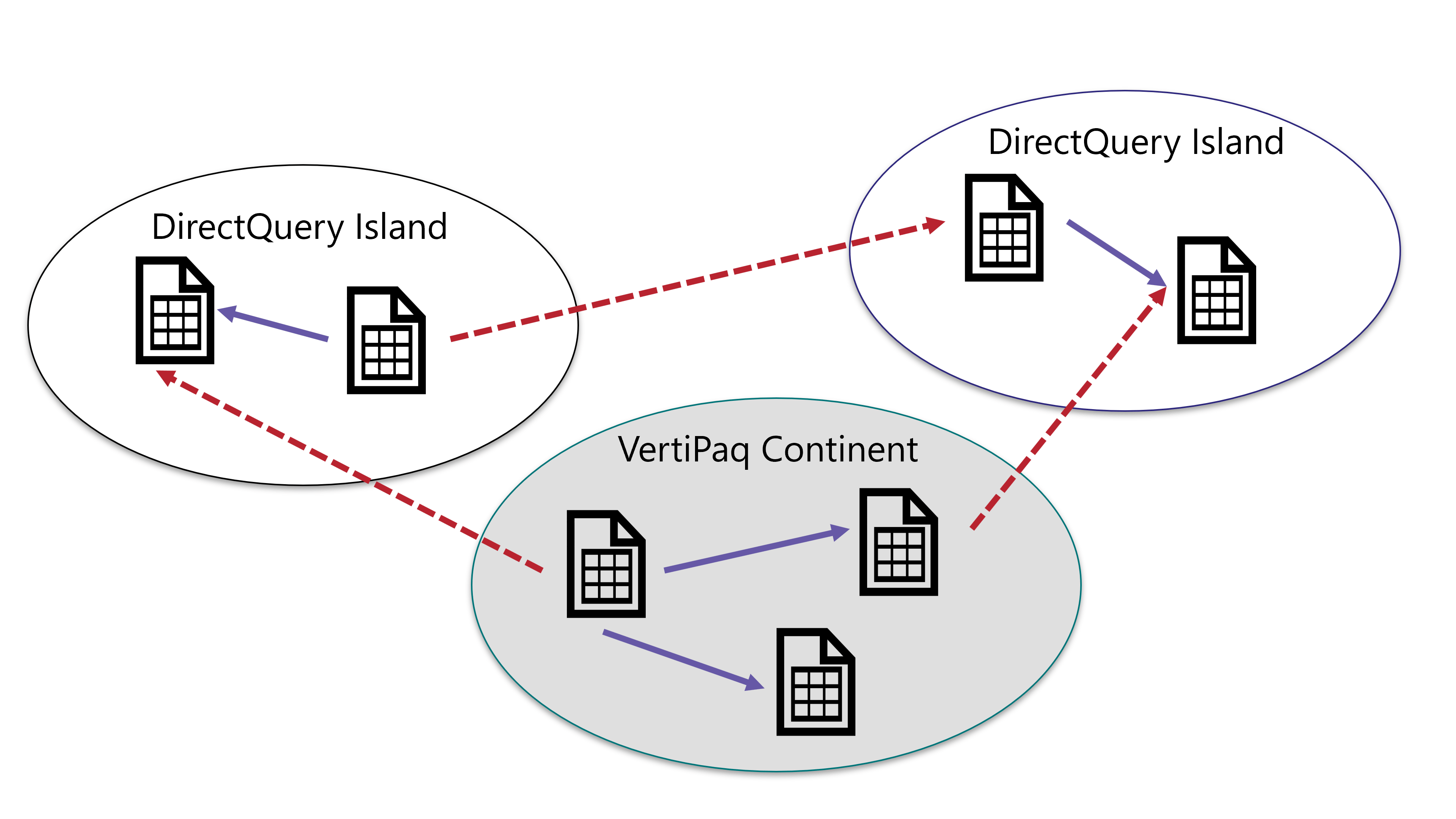
This article describes what limited relationships are and the differences between regular and limited relationship in Power BI and DAX. Read more
-
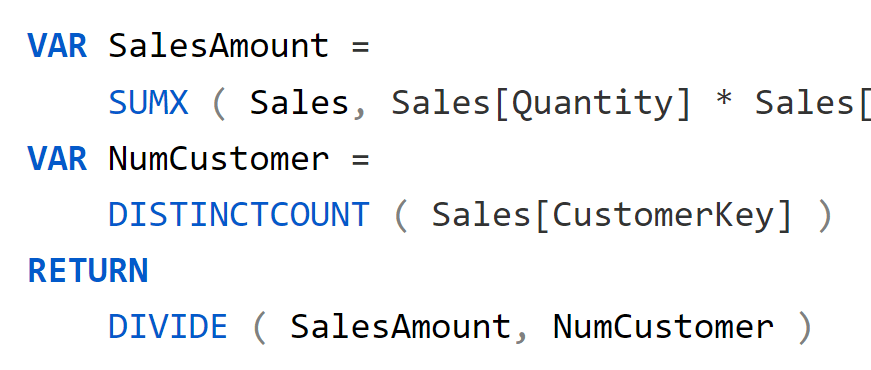
Using variables in DAX makes the code easier to read, faster, and easier to debug. In this article, we discuss how and when to use variables, along with why they are so important in any DAX expression. Read more
-
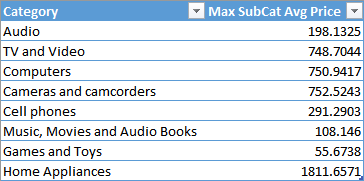
DAX introduced a GROUPBY function that should replace SUMMARIZE in some scenarios. This article describes how to use GROUPBY in nested grouping scenarios and other improvements. Read more
-
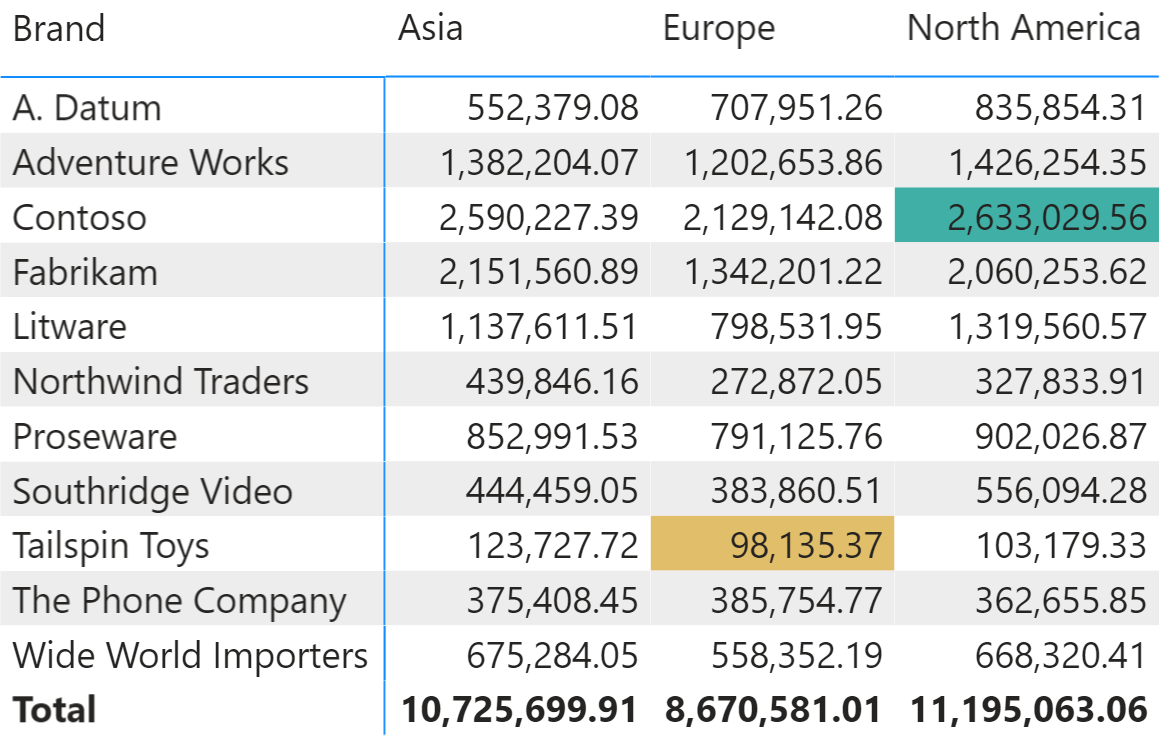
This article shows how to use DAX and conditional formatting together to highlight the minimum and maximum values in a matrix in Power BI. Read more
-
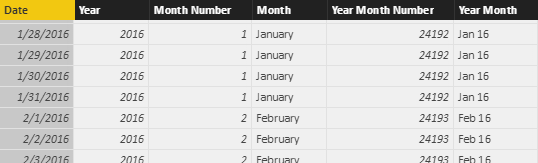
This article explains how to improve DAX queries using GENERATE and ROW instead of ADDCOLUMNS when you create table expressions. Read more
-
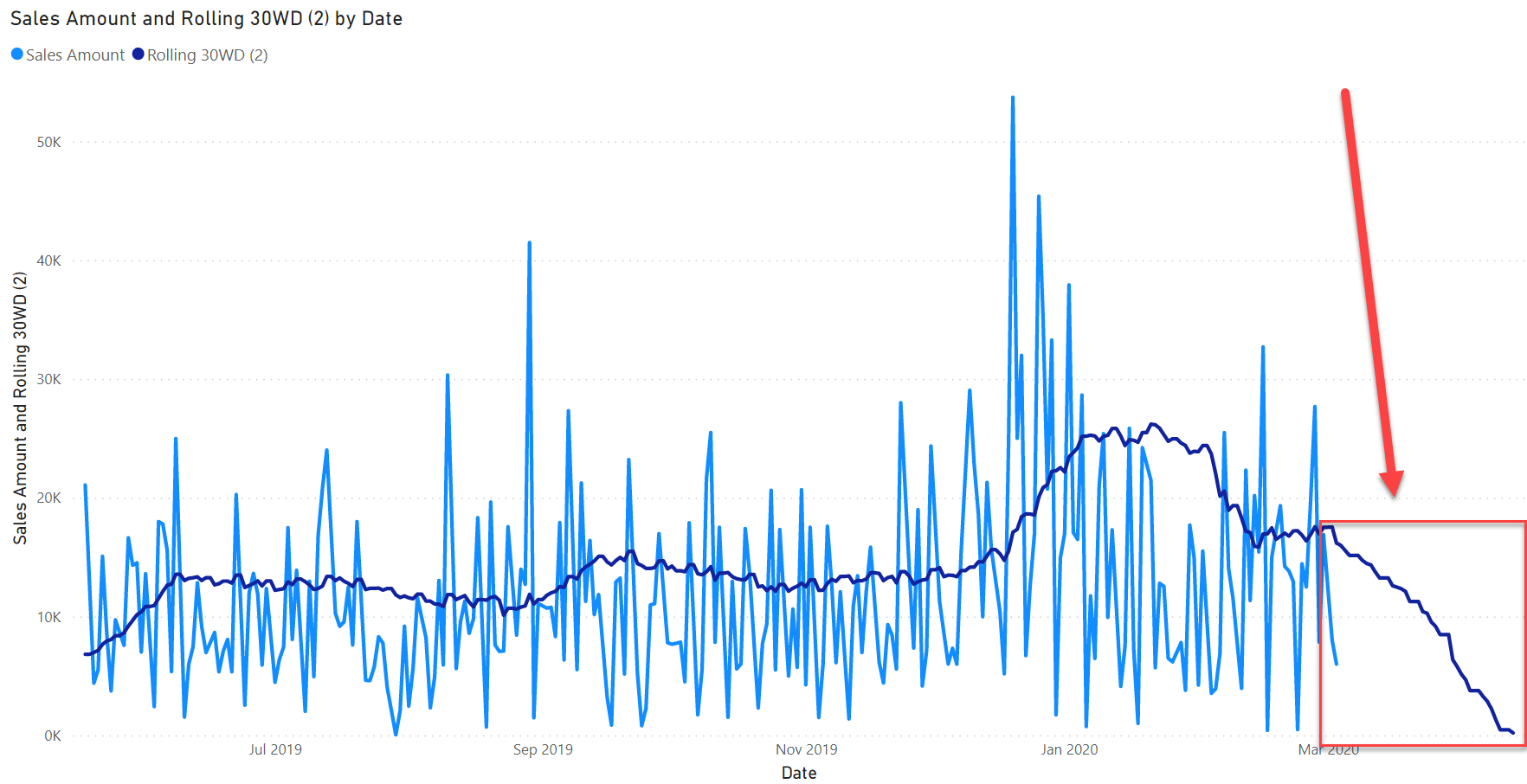
Rolling averages are a very common calculation used to smooth out charts. This article shows how to compute a rolling average taking into account only the working days. Read more
-
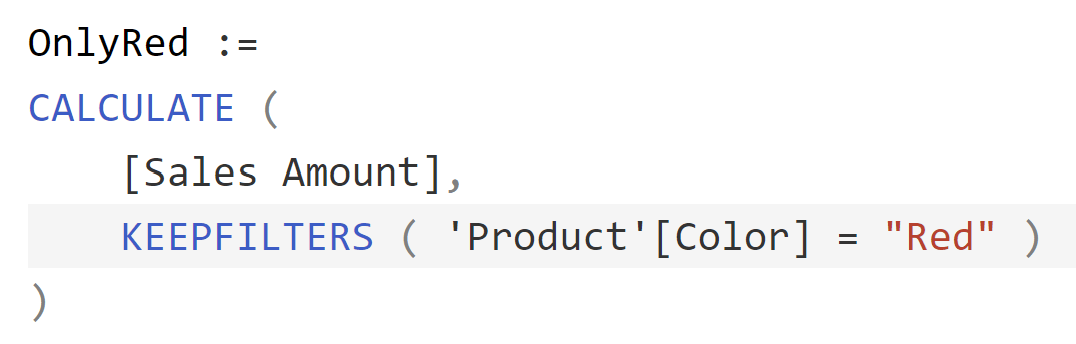
This article explains how to use KEEPFILTERS to intersect instead of override an existing filter context in DAX. Using KEEPFILTERS simplifies the code and improves performance. Read more
-
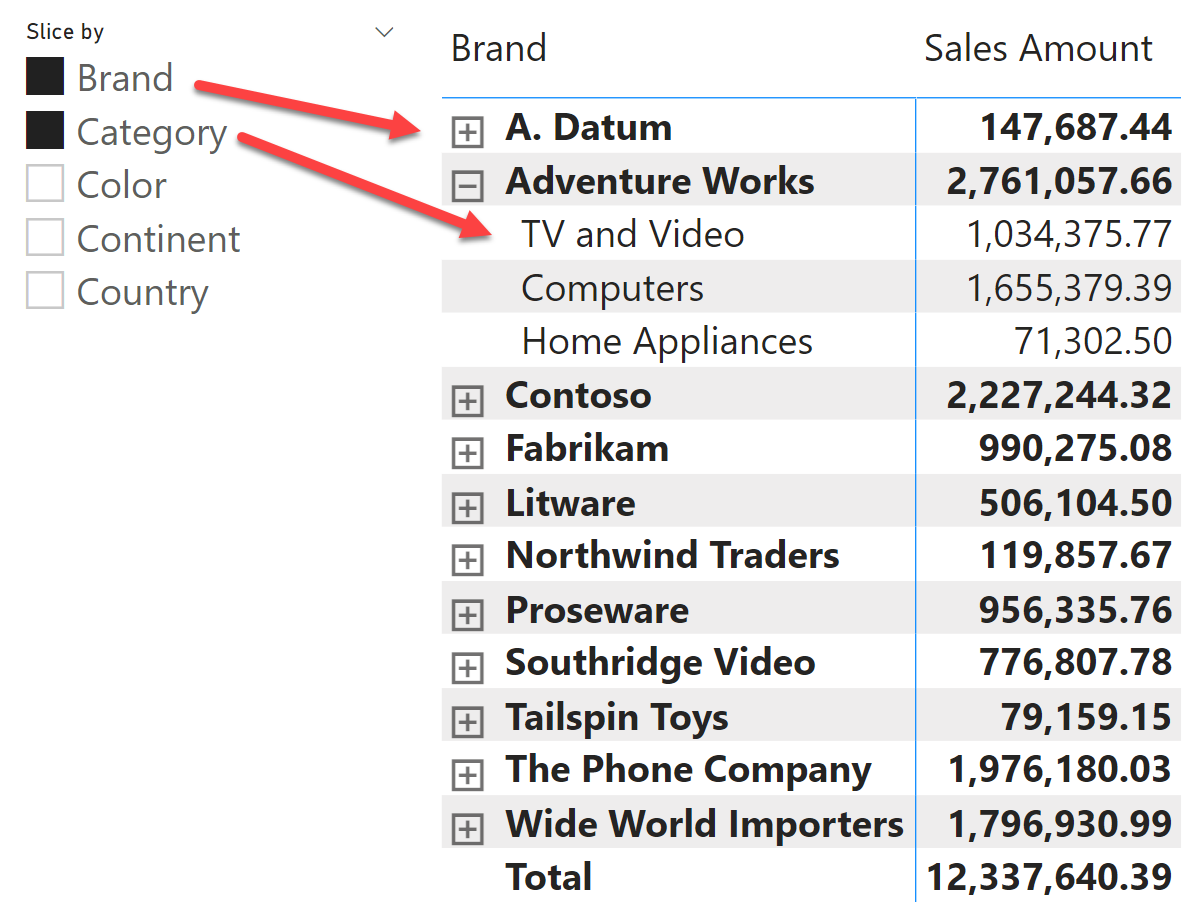
This article analyzes the fields parameters feature in Power BI, unveiling some of the internals of its implementation. Read more
-
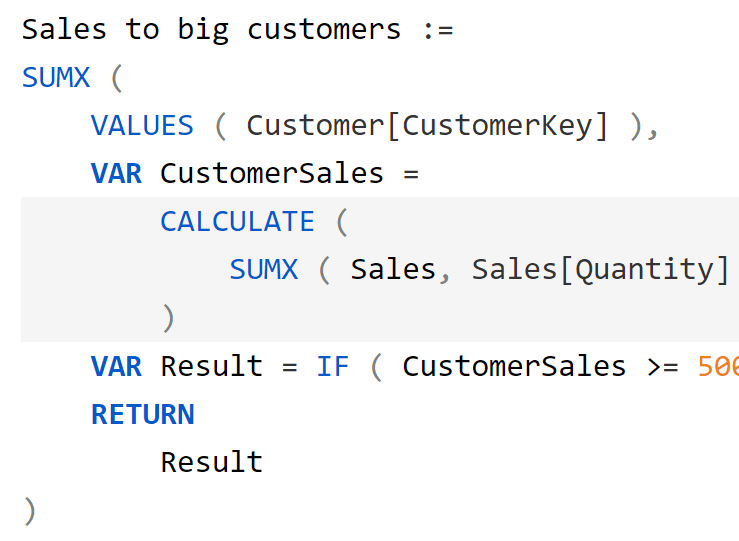
Context transition is one of the most obscure topics for DAX newbies. In this article we introduce context transition, its effects, and how to leverage it rather than be scared of it. Read more
-
One of the first concepts to learn in DAX is the difference between calculated columns and measures. This article shortly recaps the differences and describes when to use each one. Read more