Microsoft retired the standalone Microsoft Whiteboard apps on October 16, 2026. You can now use the web version only with a work account; with a personal Microsoft account, you cannot use it at all. Boards not exported from your personal account before October 16, 2026 were permanently deleted; if you have a work account, you can still export boards stored in your OneDrive.
 Alberto and I use a whiteboard every day for our videos, and we prefer an app that works offline (if you run a training, you cannot rely on an internet connection), and the retirement announcement came up in the middle of recording our new DAX with AI courses. So, in August, we built our own: SQLBI Whiteboard. It is free, open source, and runs on Windows. It doesn't require an account or a tenant, and it saves your boards on your machine. You have probably already seen it in our latest videos.
Open the boards you exported
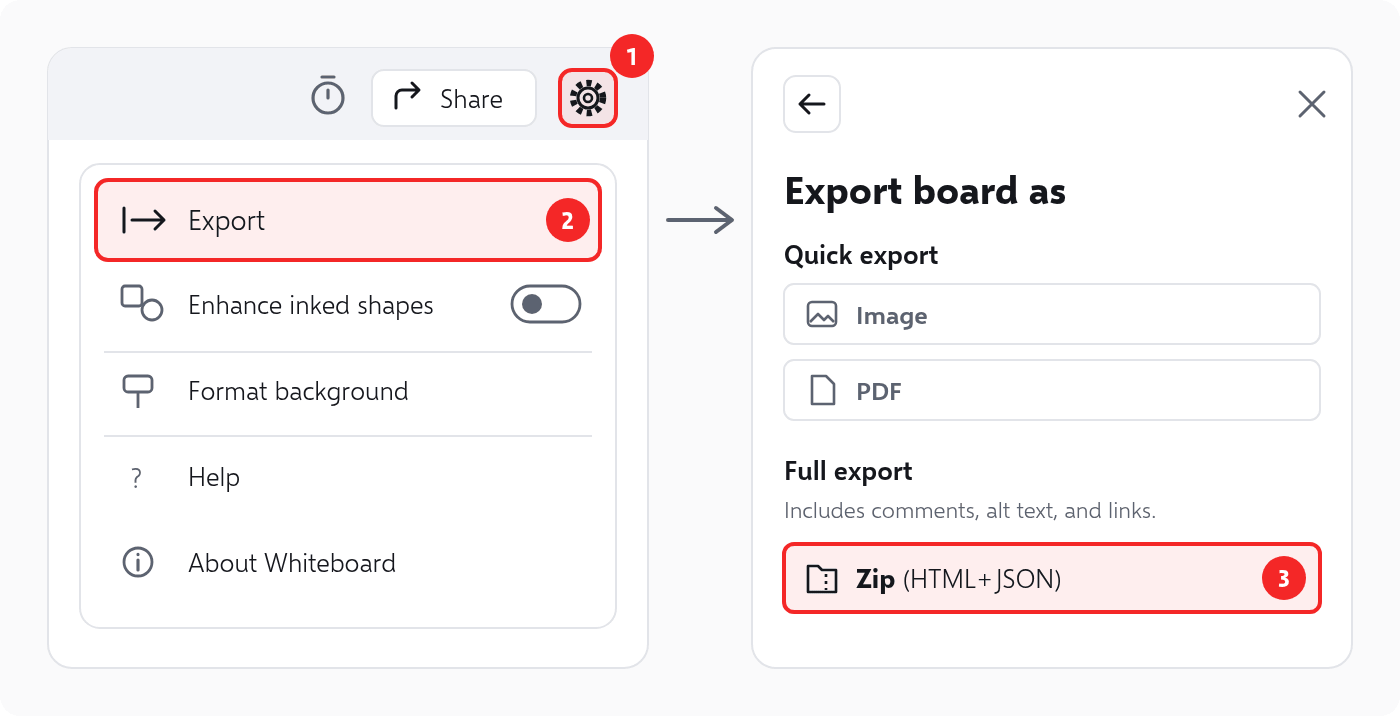
If you export your boards as ZIP files (Settings → Export → Zip (HTML+JSON)), you can open them with SQLBI Whiteboard.
Install SQLBI Whiteboard from the Microsoft Store, or with a single command:
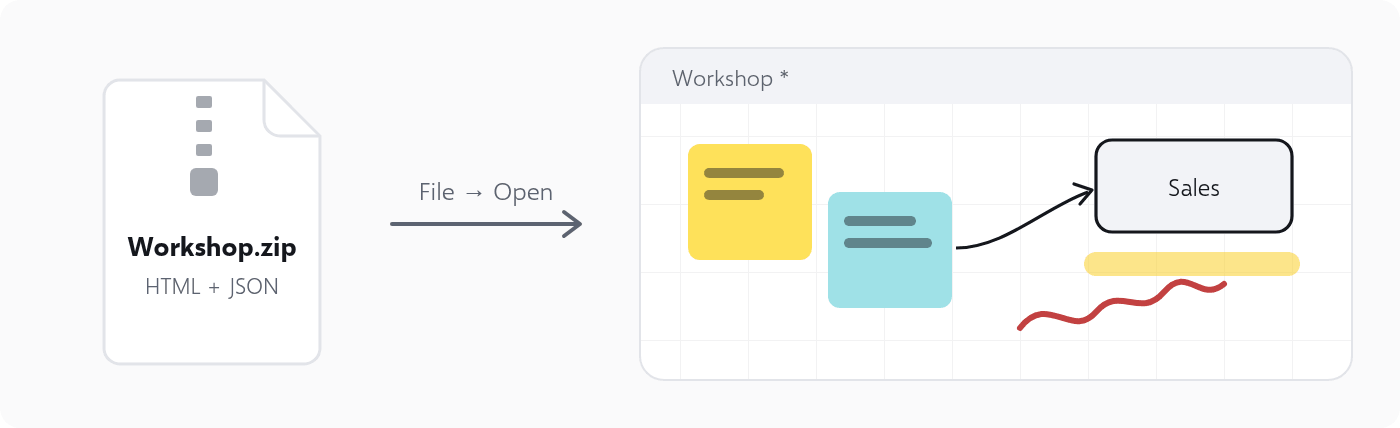
winget install SQLBI.WhiteboardThen use File → Open and select the ZIP file: you get a new board with its ink, notes, shapes, and text. Just save it as a .wboard file, and you can continue to work on the whiteboard with your data.
If you want to add the content of an exported ZIP to an existing board, use File → Import, or drop the ZIP onto the board. The export guide describes the details of the operation.
Not just a replacement
We initially designed SQLBI Whiteboard as a teaching tool, mainly to highlight and annotate existing material rather than create new diagrams from scratch. However, we later added features to support importing from Microsoft Whiteboard, so today it fully replaces the retired Microsoft application.
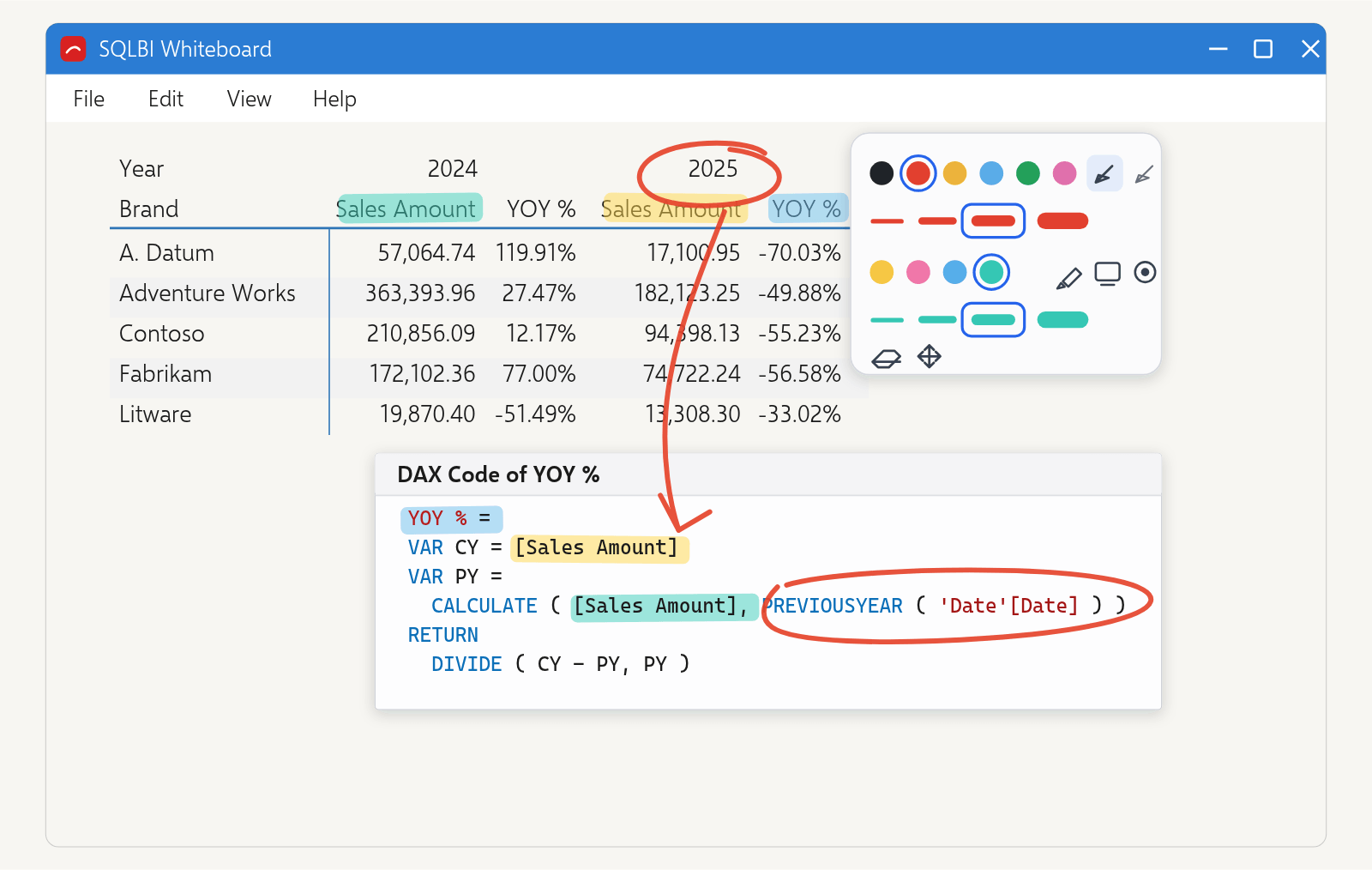
SQLBI Whiteboard supports pen, touch, and mouse, and exports to PDF and PPTX. The LiveView feature shows a live view of any other window or screen inside the board, so you can draw on a running application, even when it is hidden behind other windows! The guide page shows every feature in action.
We tested the import with many files created in Microsoft Whiteboard, but we couldn't test every combination. If a board does not import correctly, please open an issue and attach the ZIP file, if you can share it.
How did two people build a complete whiteboard app during an Italian August holiday? That is a longer story about building software with AI, and I wrote it on my personal blog.