-
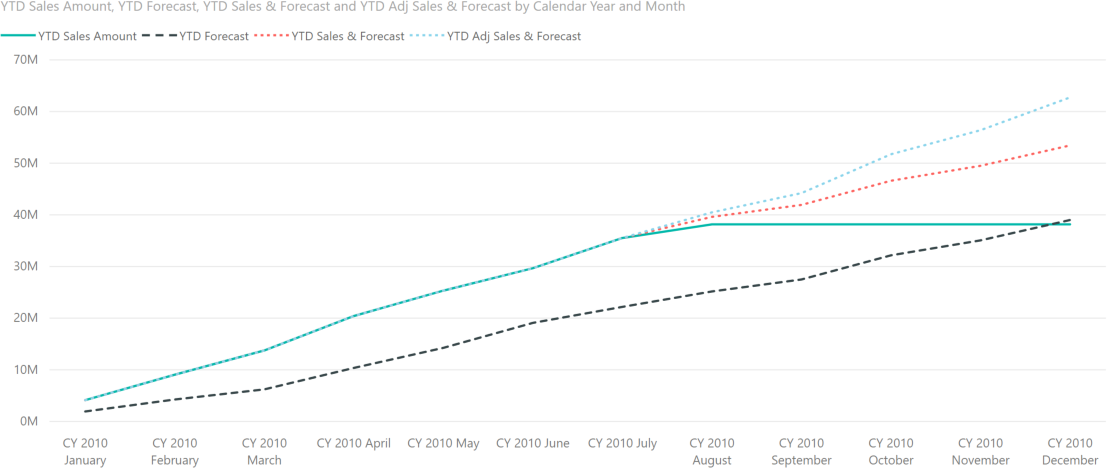
In budgeting reports, a common requirement is to show future sales forecast and actual sales volume on the same line chart. This article describes how to achieve this goal using DAX. Read more
-
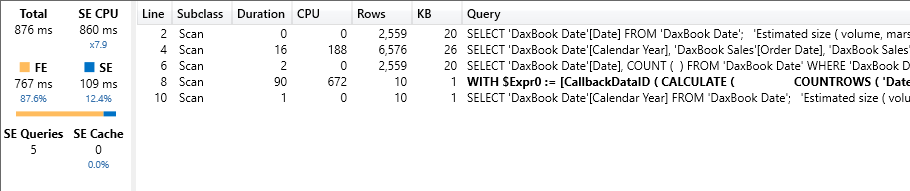
Estimating the cardinality of iterators is an important skill when optimizing DAX code. This article explains how to use this technique, evaluating different ways of computing the number of working days between two dates. Read more
-

Power BI sets a new milestone in Business Intelligence: Marco describes the importance of new composite models in an article, and Alberto shows them in action in a video. Read more
-
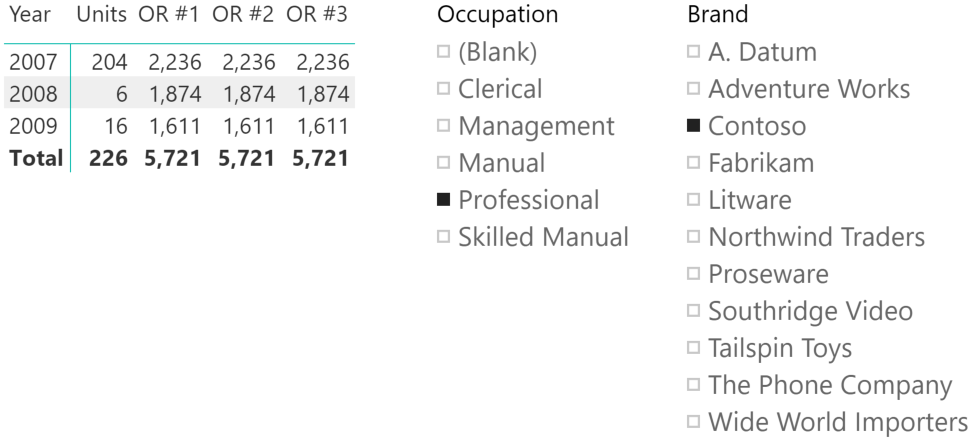
This article describes how to implement in DAX a logical OR condition between the selection of two slicers of a Power BI report or of a PivotTable in Excel. By default, when relying on more than one slicer they are… Read more
-
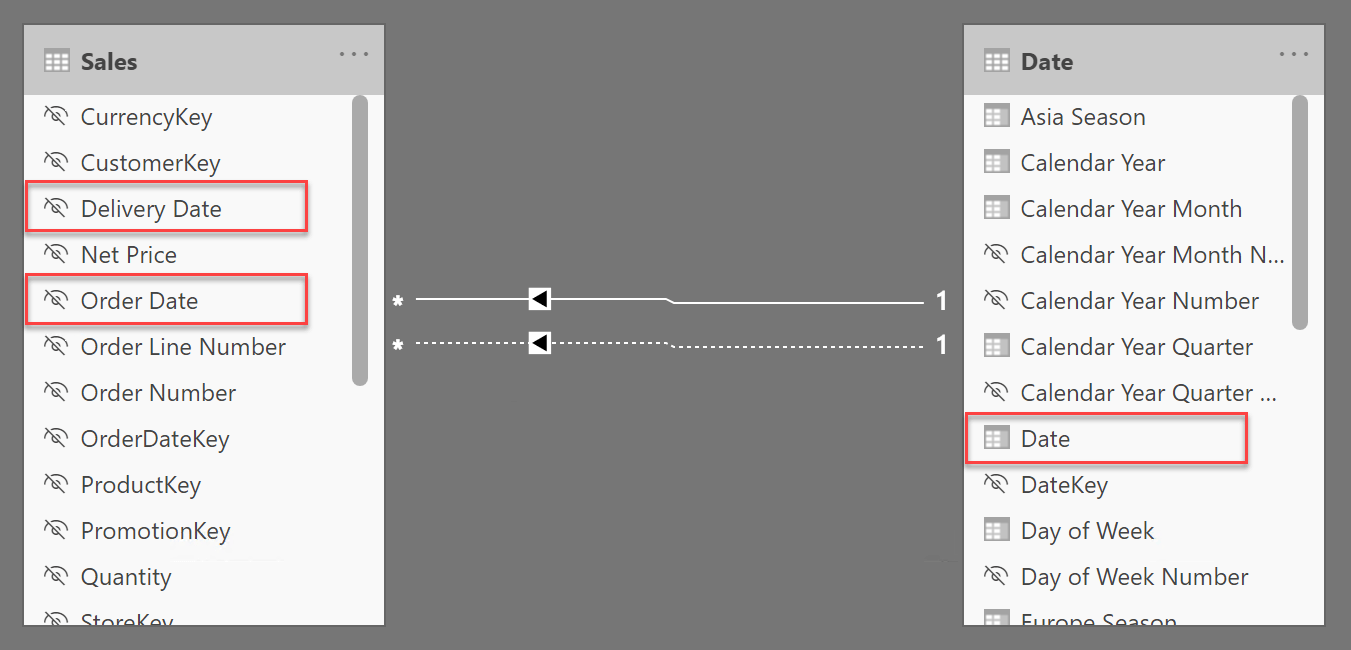
This article shows how to use calculation groups to change the active relationship in a model in order to let users choose among multiple dates. Read more
-
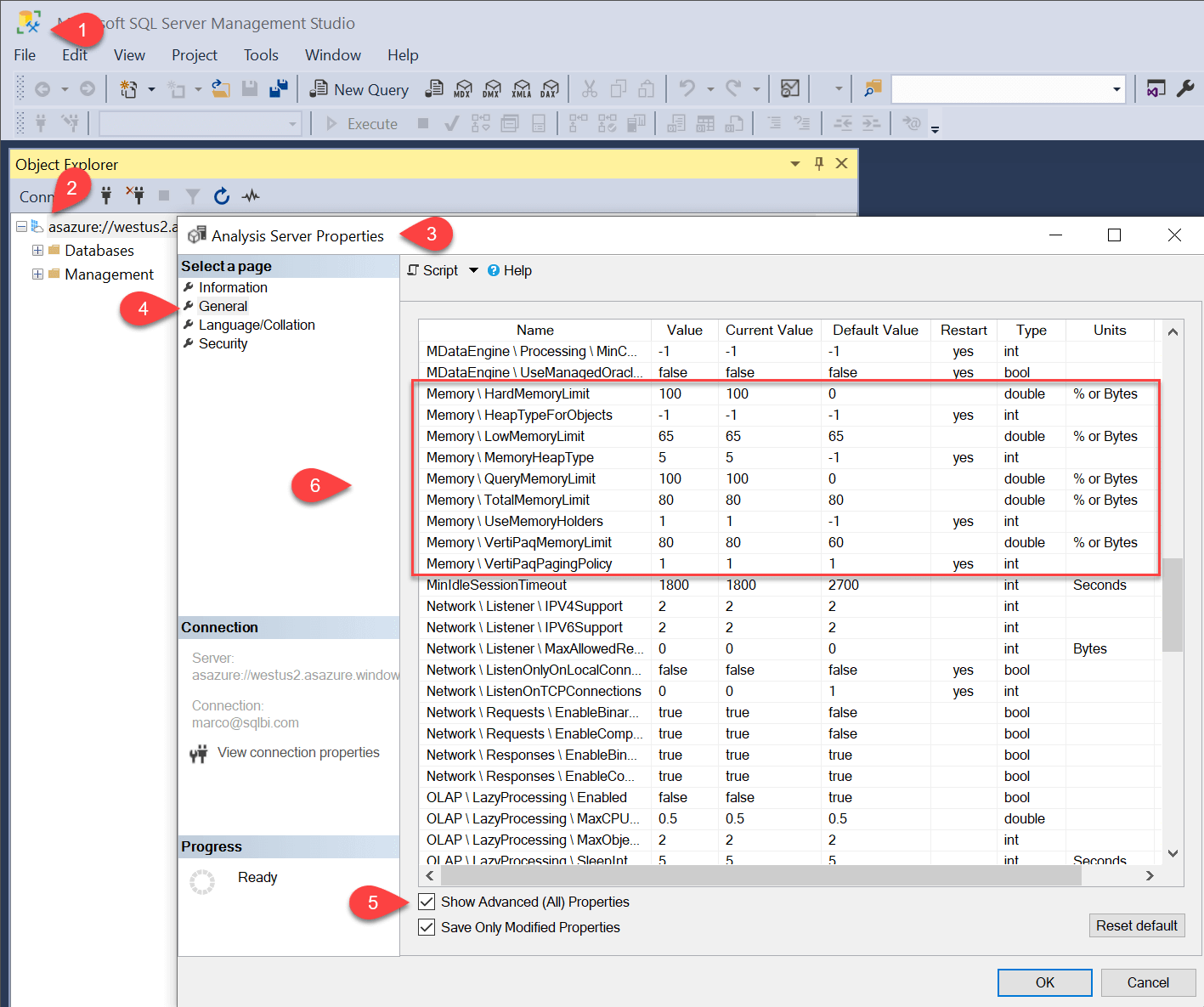
This article describes the memory configuration in SQL Server Analysis Services and Azure Analysis Services. Modifying these settings may impact performance and memory errors. Read more
-
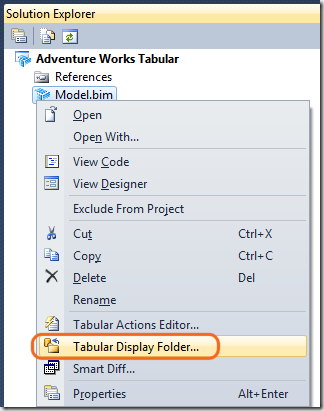
When you create a Tabular model in Microsoft SQL Server Analysis Services (SSAS), you have to define all of the measures that the user will be able to use. All the measures defined in the measure grid of a table… Read more
-
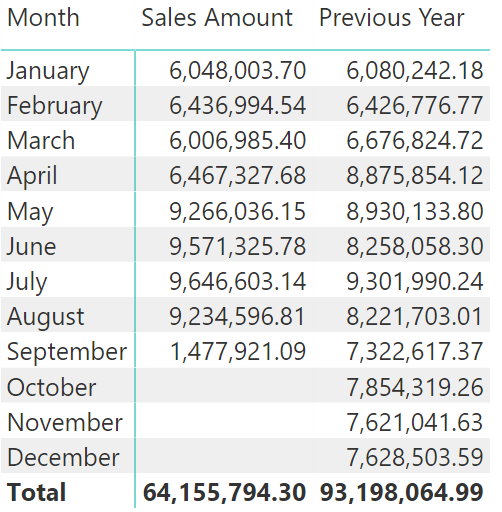
This article describes how to compute previous year values up to a certain date. This is useful in case the data is presenting incomplete months or years. Read more
-
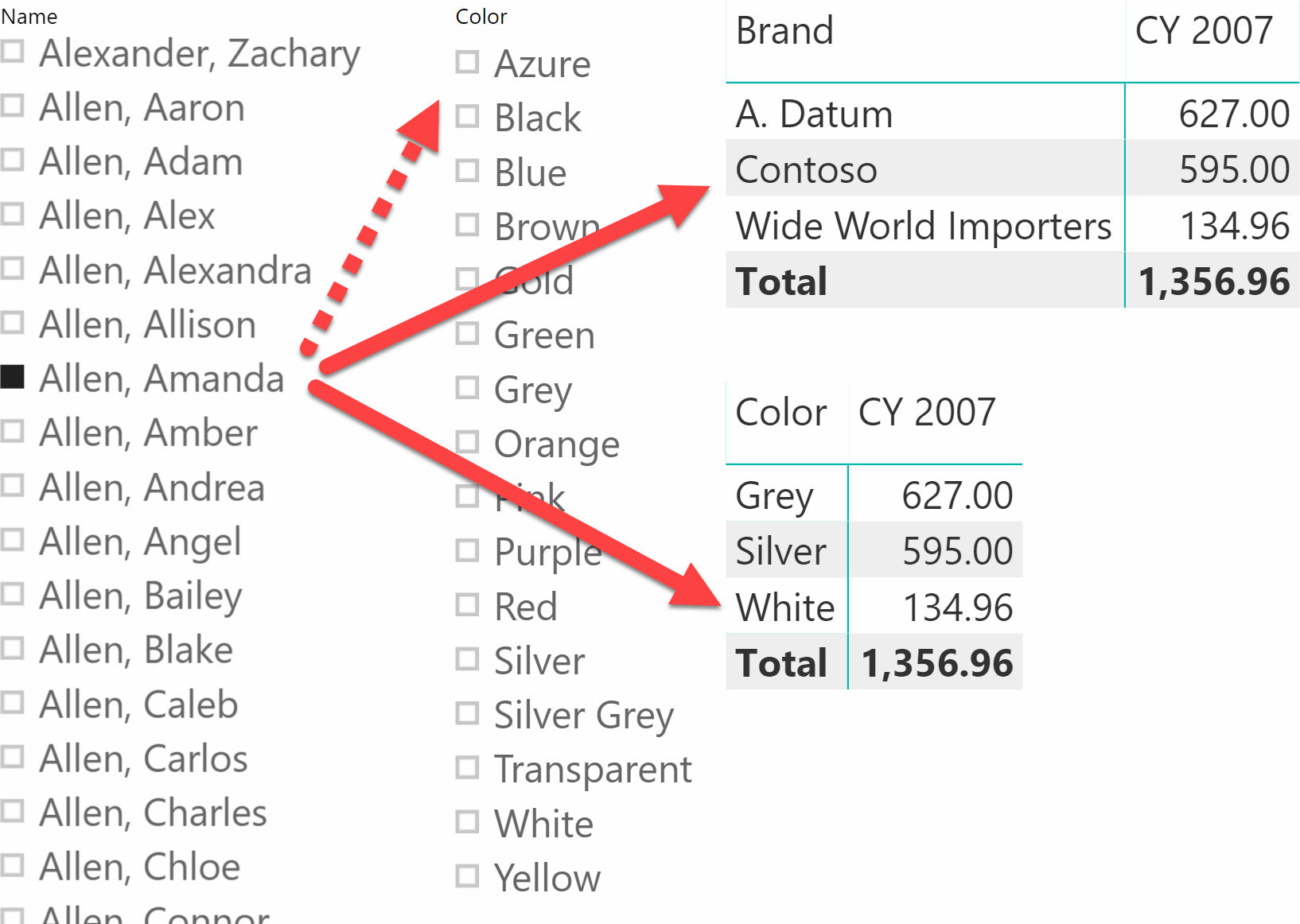
The June 2019 update of Power BI includes the ability to filter slicer items based on a measure. This article explains why this is an important feature that should replace bidirectional filters used for the same purpose. Read more
-

PowerPivot and BISM Tabular handle relationships between tables by using a single column that requires to be a unique column in the lookup table. In this article you will see how to handle relationships between tables that have different granularities,… Read more